When apps fail, how they recover is very important for customers and can decide if they keep using the app or leave to a competitor. We will look at Slack, Uber, and a few banking apps to examine different strategies of handling when things go wrong.
Slack
When you don’t have internet and try to send a message on Slack, the platform alerts you that you don’t have a connection and need to go online “to get the latest messages.” I couldn’t figure out how to activate any other errors, but I read online that if you have connection but can’t send a message, the platform shows a red banner with a “retry” button for you to use, which hopefully after pressing you will be able to reconnect and continue communicating with your team. These strategies alert the user that something is wrong and give them the opportunity to fix it, ideally keeping teams talking and work flowing. If their crisis strategy was less communicative, they would certainly lose more customers and in turn more money.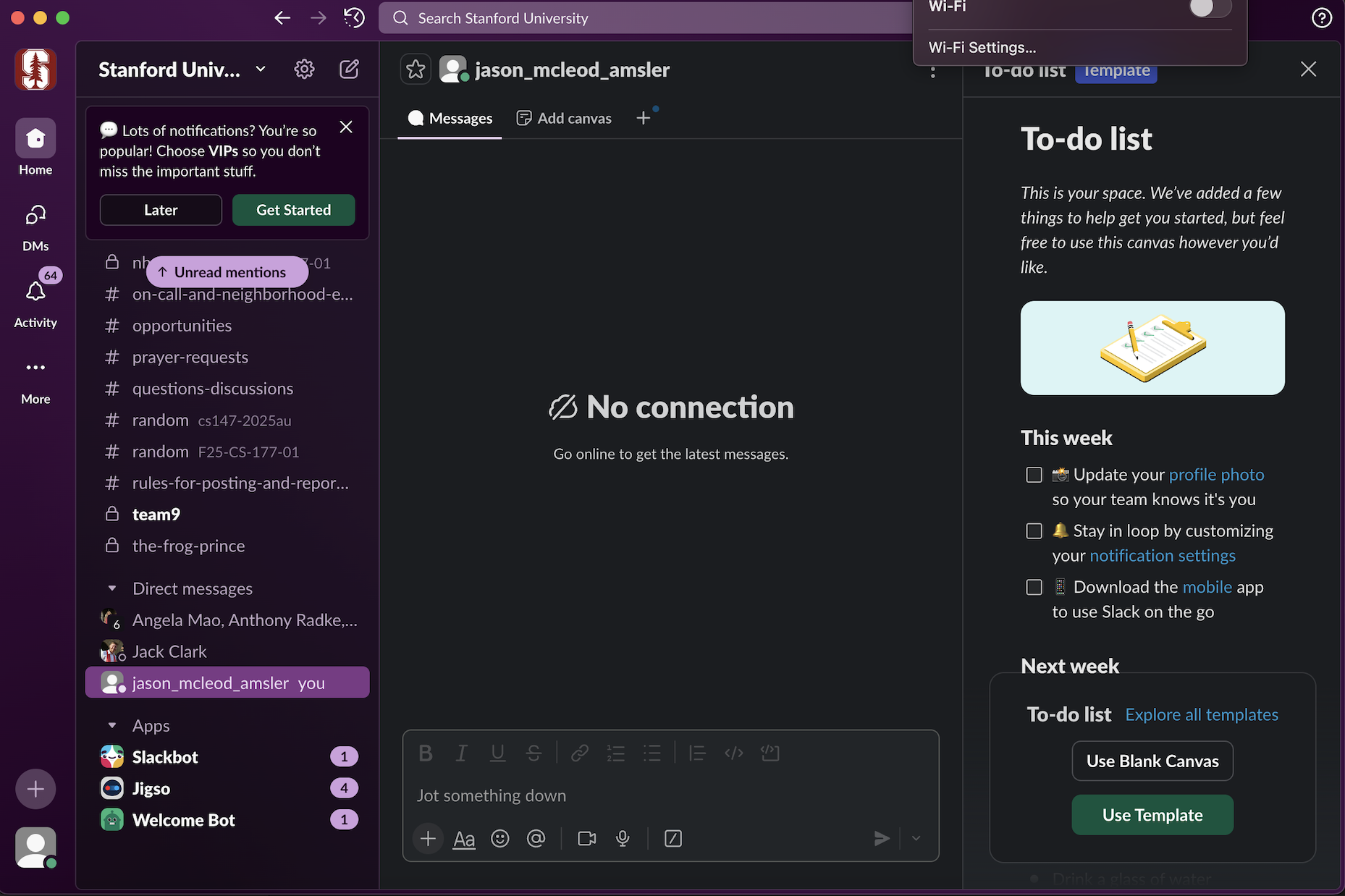
Uber
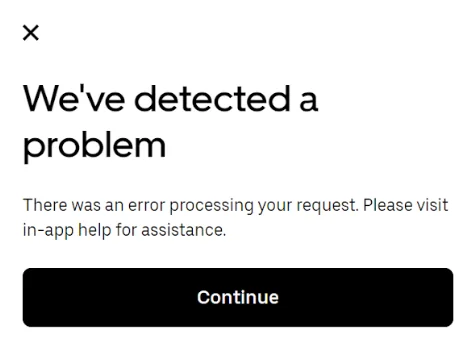
The message in the screenshot below is the most common recovery path for when Uber can’t process a request. It is calm and polite, but also a little vague. Other errors include a driver cancelling on a user, payment errors, or a loss of GPS/ connection. The business cost of errors is perhaps lost trips in most cases, which will lead to a loss of revenue. Uber’s recovery flows, such as automatically “finding a new driver,” save ride bookings, saving revenue.
Banks
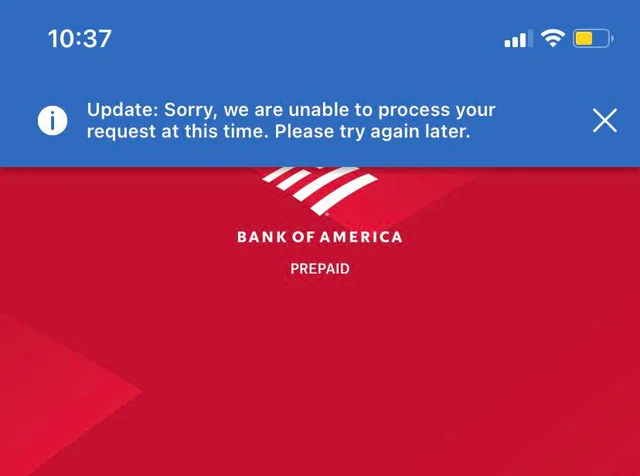
I use Bank of America, and the error below usually appears when the app can’t process a request of some sort, often due to a server issue or a bad connection. The message is calm and straightforward, telling the user to try again later. Banking errors are high leverage because people really care about their money. If banks don’t handle these moments well, users might not trust the bank and move their funds elsewhere. By keeping their wording reassuring, they protect trust and thereby revenue.