
Intro
Search is an oft-overlooked feature that is fundamental to many of our favorite modern applications. It’s the tool behind our ability to procure information, shows, restaurants, and everything in between. Exactly how the feature is implemented gives us insight into a company’s values and goals.
Netflix
Netflix’s search engine prioritizes what it thinks you will want to watch above all else. This is abundantly clear from the outset of search, as even typing a single letter will yield wildly different results depending on your watch history.
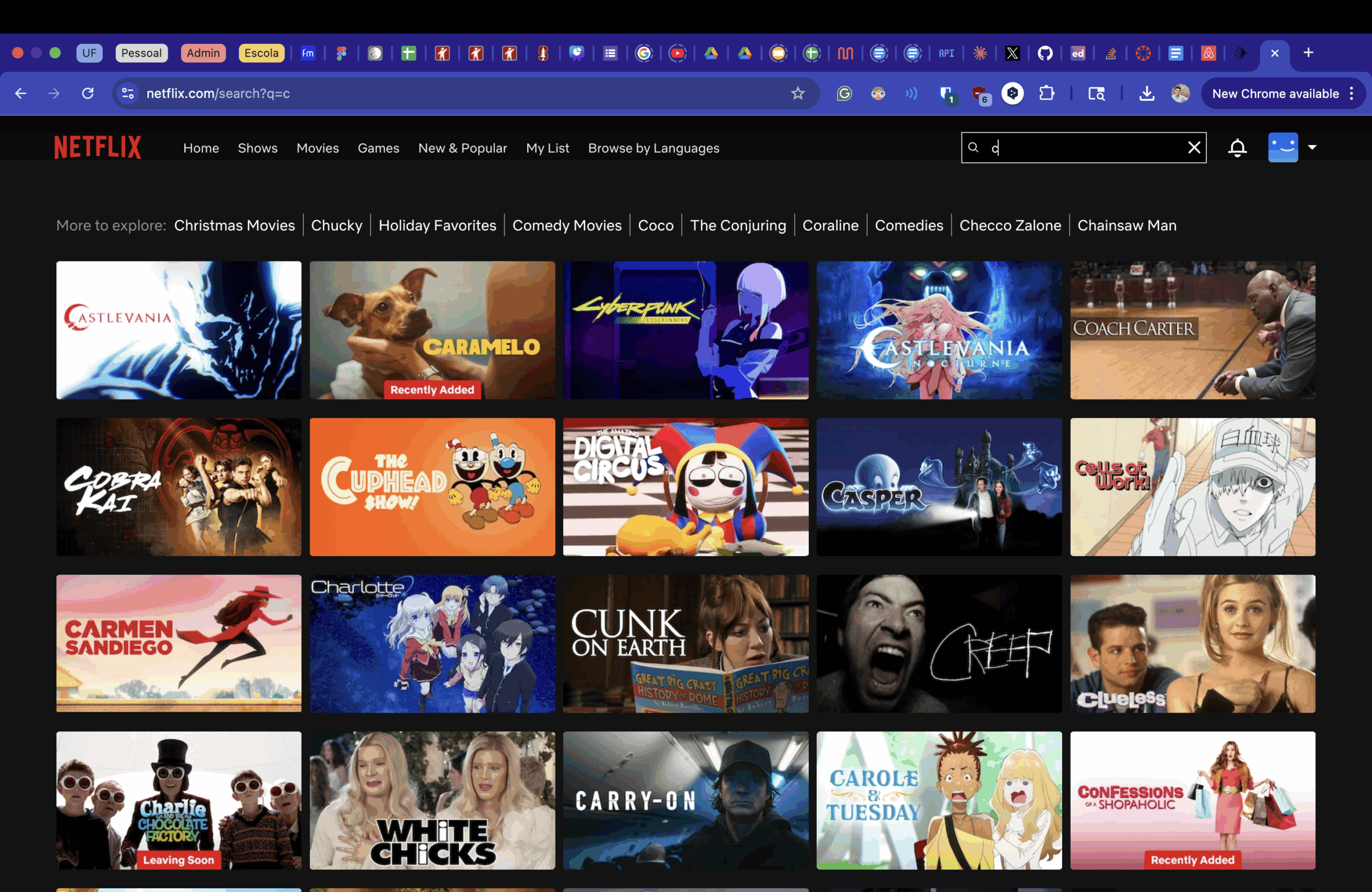
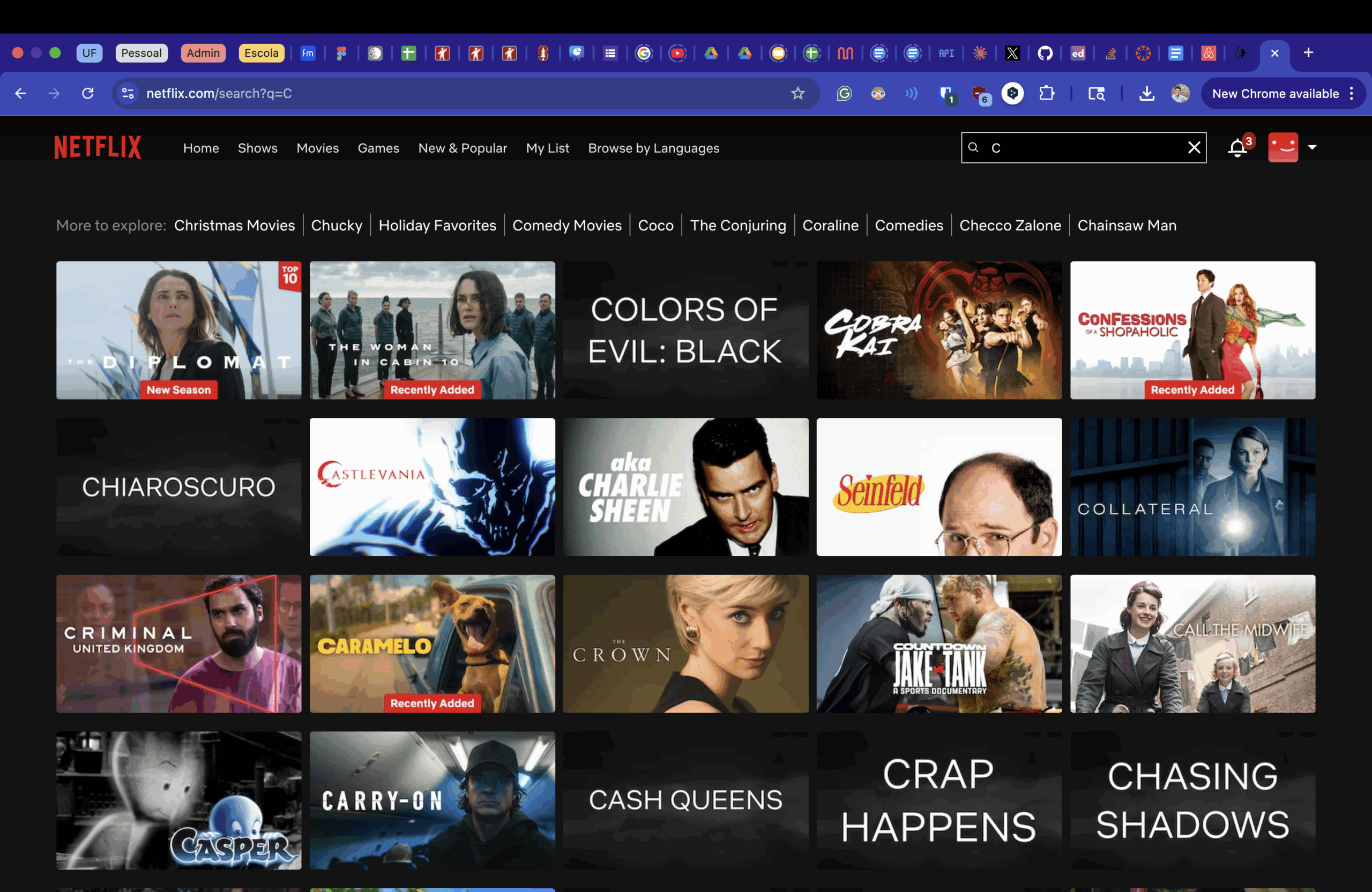
Even with so little information, my dad and I have different recommendations, highlighting Netflix’s focus on user retention. With this method, not only can the user find what they’re looking for, but they also encounter shows they didn’t even know they wanted to watch.
YouTube
YouTube’s recommendations, especially in recent years, clearly optimize for ad space. They’ll start with an ad, offer a few videos that might be relevant to your search, and then place another ad, continuing this pattern as you scroll down.
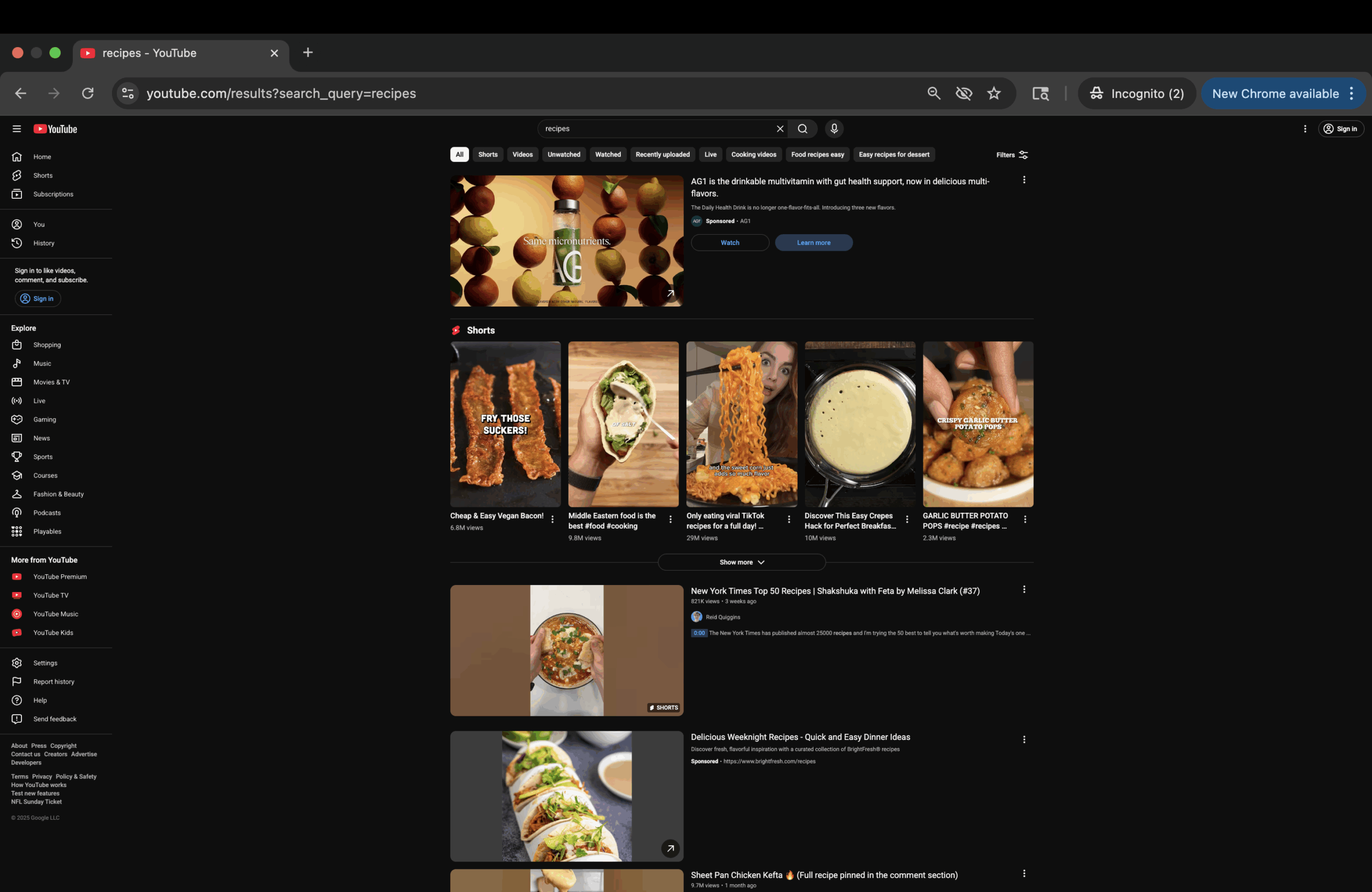
Interestingly, the video just below this screenshot is completely unrelated to recipes and is instead something I might watch on my own time. This too, belies a desire to push watch time and ad revenue over relevant searches
AirBnB
AirBnB’s search and browse functionality is centered around finding the perfect booking. It gives the user as much choice as possible, and makes it intuitive to filter based on your preferences.
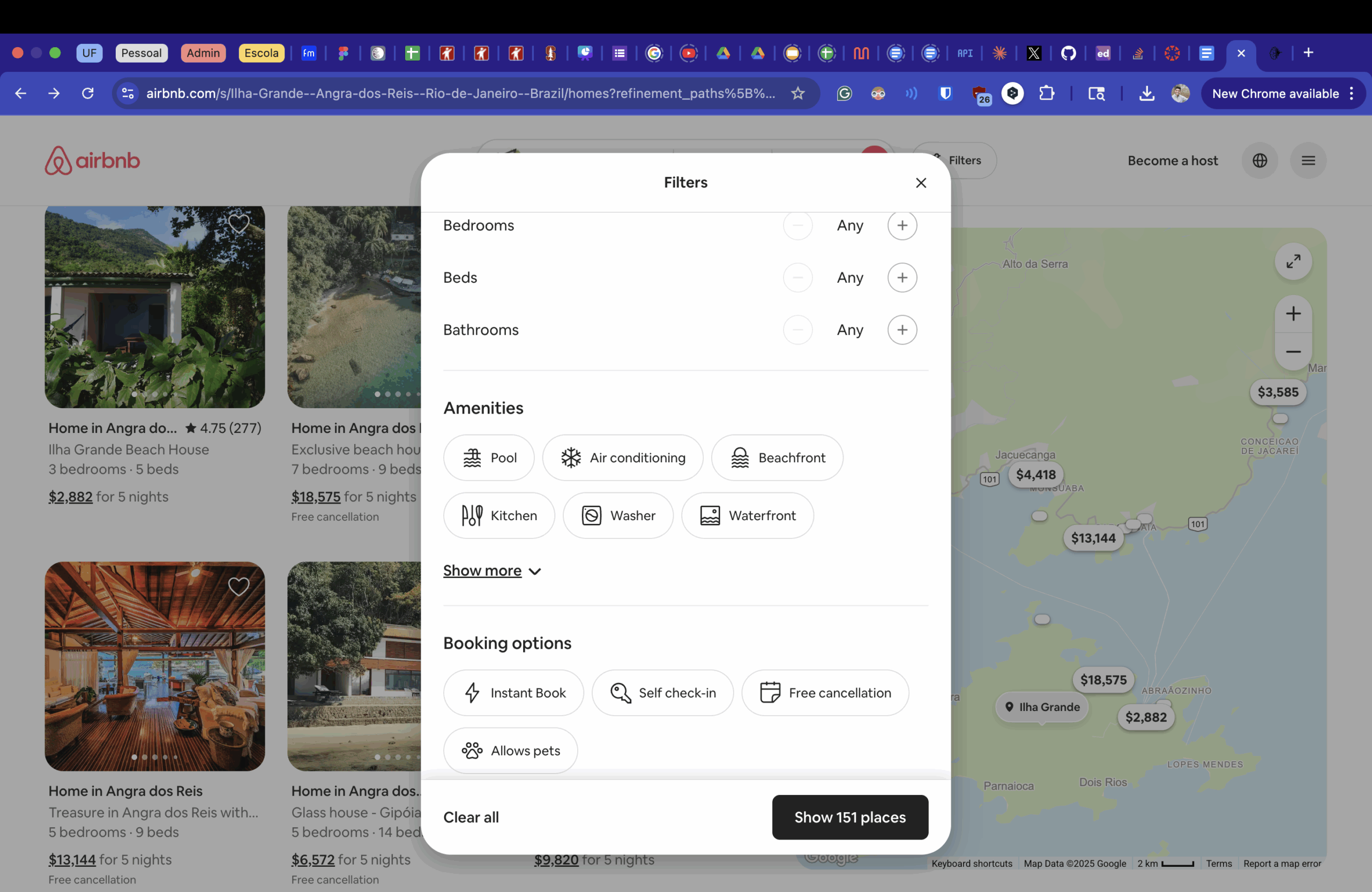
In doing so, they reduce friction and as such increase the chance that a house gets booked. In this way, their needs align with the needs of the customer, leading to a mutually beneficial search function.
